E-Invoice
Turns a PDF invoice into an XRechnung e-invoice and explains, rule by rule, what is wrong with it.
- Role
- Solo project — design, code, tests
- Year
- 2026
- Category
- AI · Web
- Stack
- Python 3.12, FastAPI, Jinja2, Anthropic API
The problem
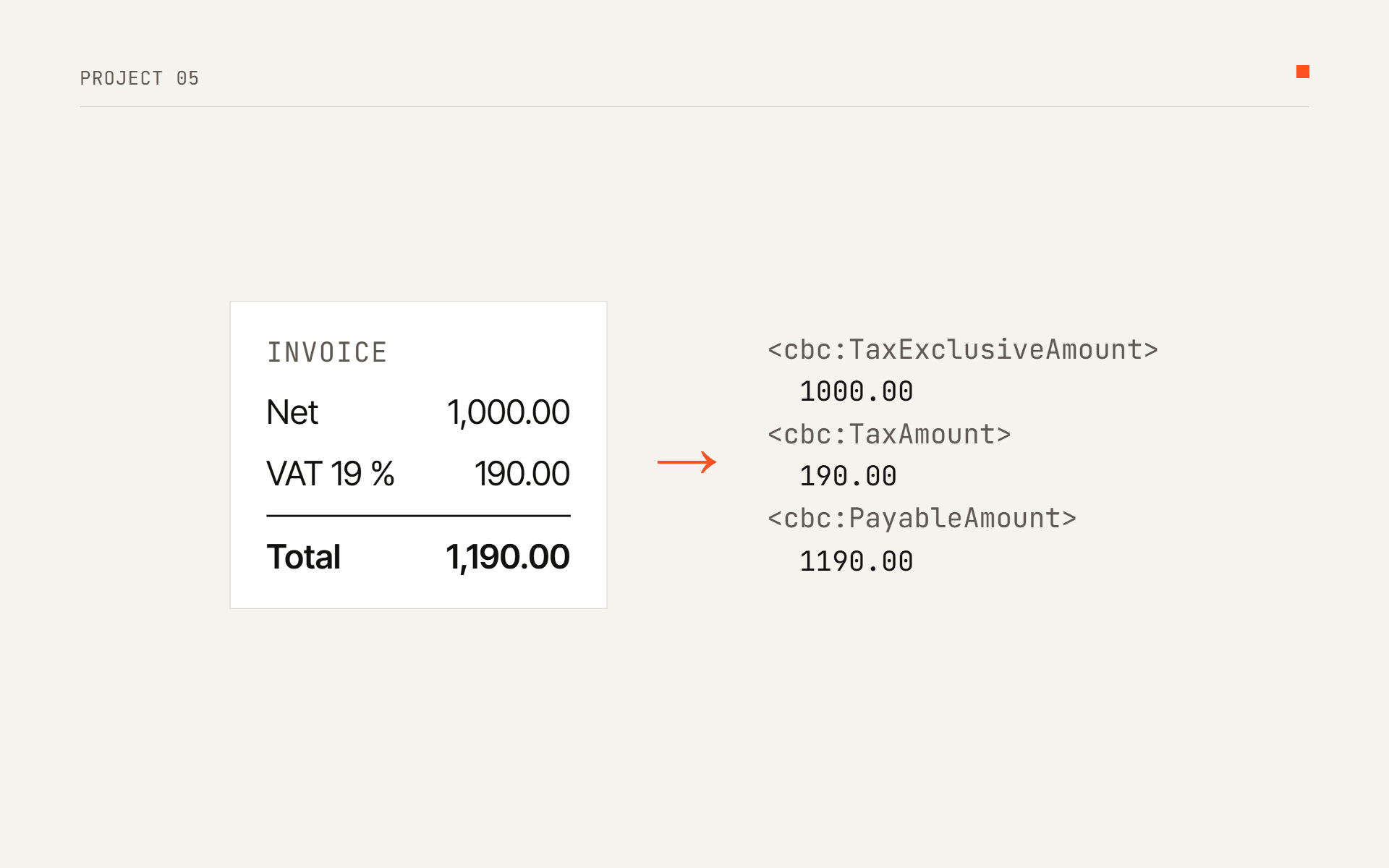
Since 1 January 2025, invoices between businesses in Germany have to be e-invoices: a structured format that follows the European standard EN 16931, not a PDF. Paper and PDFs are still allowed until 31 December 2026, and until 31 December 2027 for businesses with a previous-year turnover of not more than 800,000 euros. Receiving has no transition period: every business must be able to receive e-invoices since 1 January 2025.
Many small companies still write invoices in Word and send PDFs. A PDF can look right to a person and still be wrong for a machine: totals that do not add up, a missing buyer reference, an IBAN with a typo. I want to work in Europe, and in Germany every company is going through this change right now, so I built the converter I would want as a bookkeeper.
The solution
- The PDF's text layer is rebuilt into lines and table cells from word positions, so a table row stays a row.
- Claude reads the invoice into a fixed JSON schema (structured output). It is told to copy what is printed and not to fix numbers: a "corrected" total would hide the error the validator is there to find.
- Without an API key, a rule-based extractor reads the bundled German and English layouts offline (demo mode).
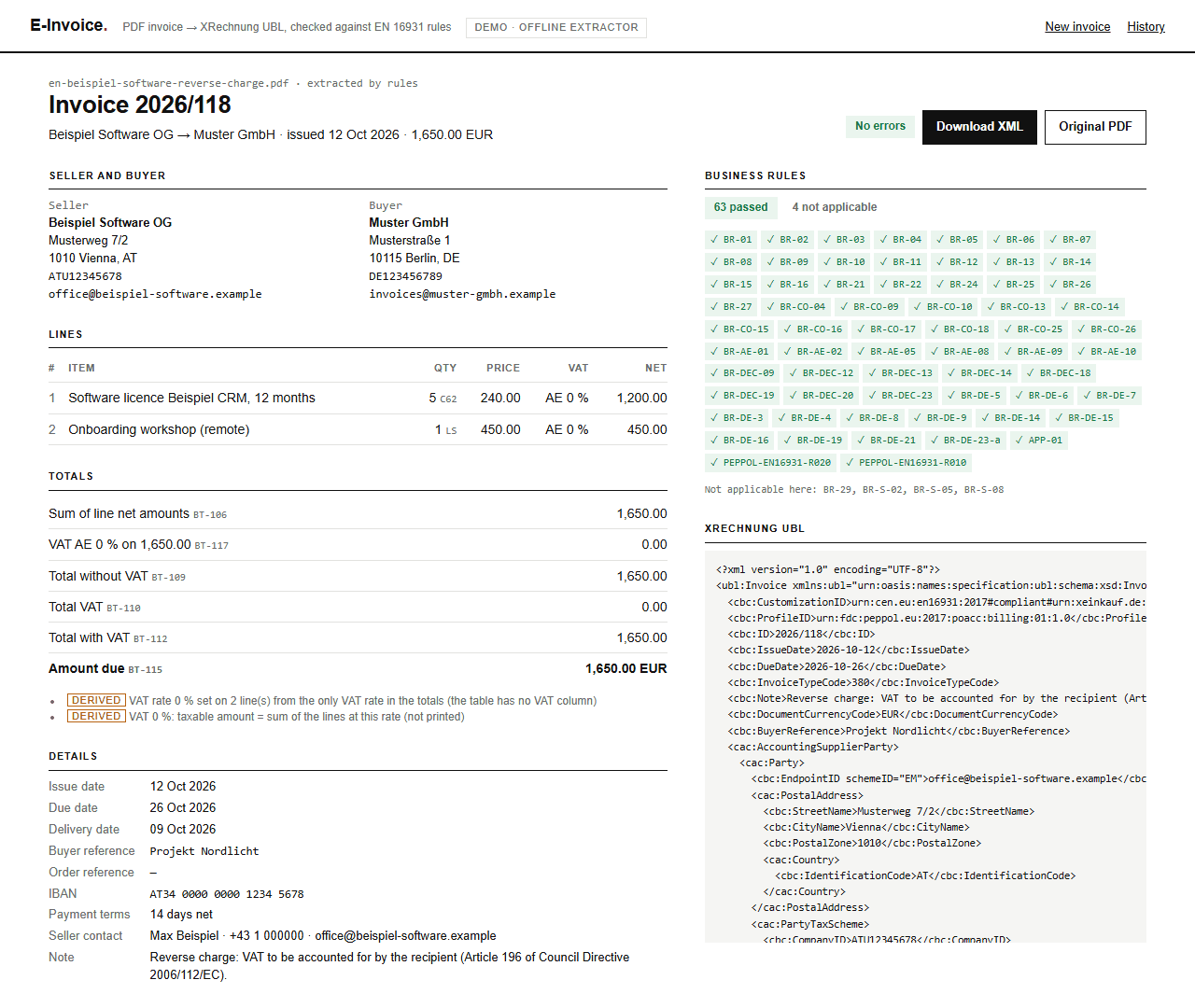
- Values the PDF does not print but the standard needs are computed and marked as derived, so "computed" is never mistaken for "checked".
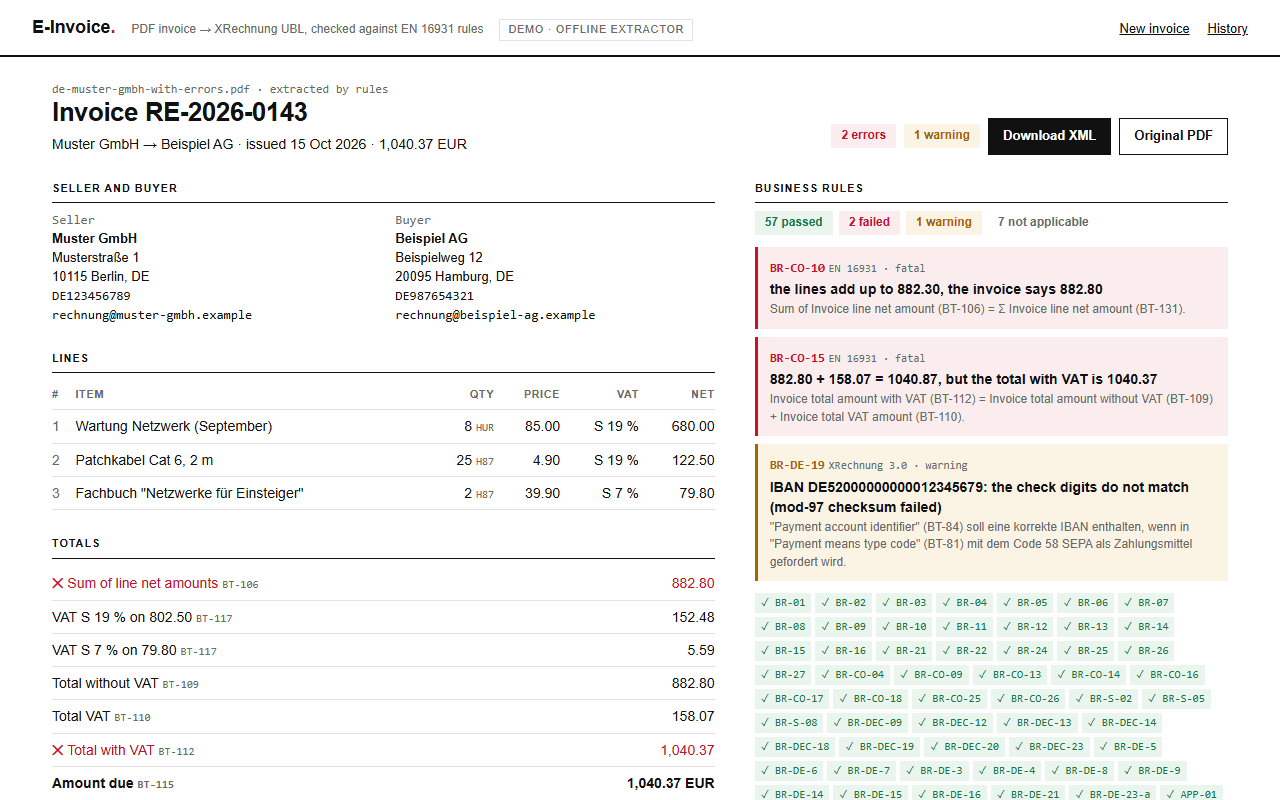
- 67 business rules with their official IDs: 51 from EN 16931, 15 from XRechnung, 1 of my own. Every failed rule shows its ID and the numbers: "BR-CO-10: the lines add up to 882.30, the invoice says 882.80".
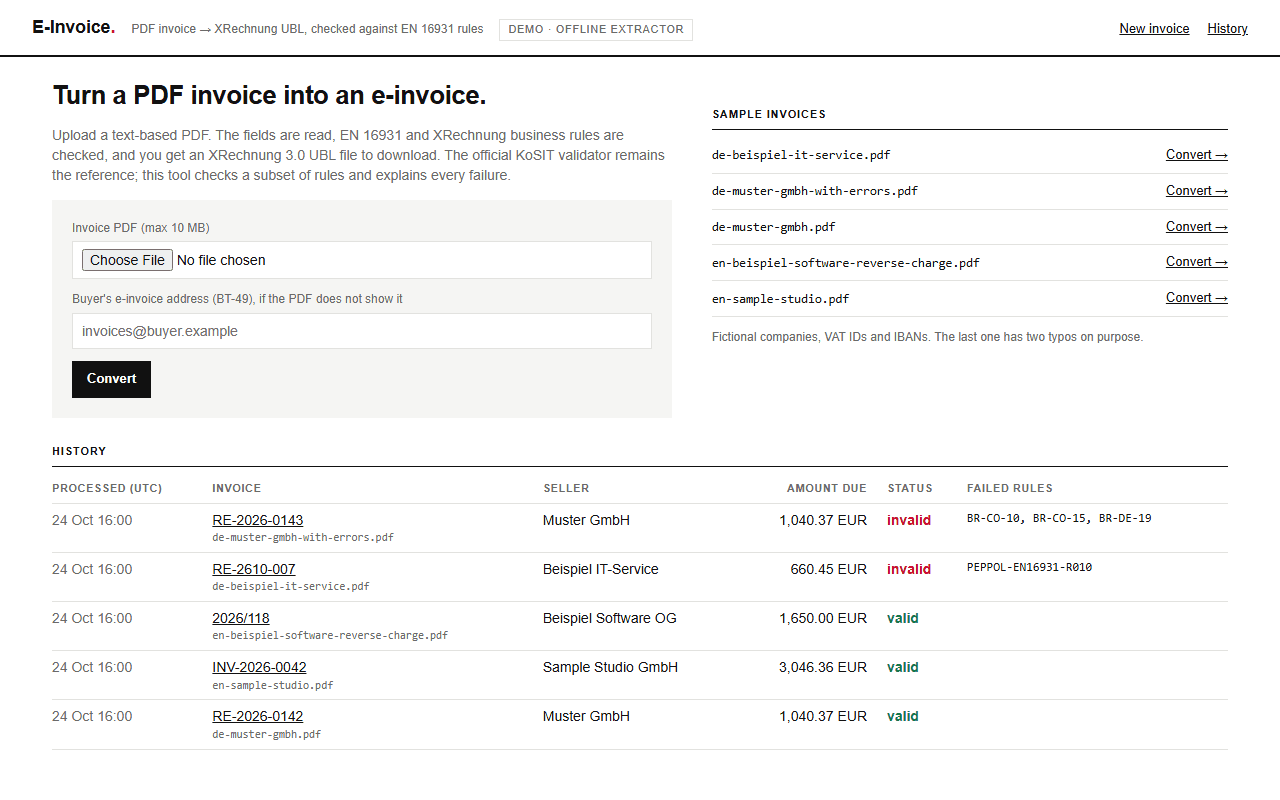
- The result is an XRechnung 3.0 UBL 2.1 file to download, from the web app or the command line. A SQLite history keeps every invoice, its status and its XML.
Screenshots
Tech stack
- Python 3.12
- FastAPI
- Jinja2
- Anthropic API
- pdfplumber
- lxml
- SQLite
- pytest
Money is Decimal everywhere and is rounded half up, like the XPath round() in the official
rules; Python's round() rounds 0.125 to 0.12. The LLM schema returns amounts as strings, so
they never pass through a float. The official KoSIT validator (Java) is the reference; to see how
close my subset is, a script runs the official UBL schema, the CEN EN 16931 schematron and the
KoSIT XRechnung schematron on the XML of every sample.
Code highlight
Every rule is a small function registered with its official ID and text. It returns None when
the invoice passes, or a sentence with the actual numbers when it fails. A test breaks each rule
on purpose, and another test fails if a new rule has no such case:
@rule(
    "BR-CO-15",
    "Invoice total amount with VAT (BT-112) = Invoice total amount without VAT (BT-109) + "
    "Invoice total VAT amount (BT-110).",
)
def br_co_15(inv: Invoice) -> str | None:
    t = inv.totals
    if t.tax_inclusive is None or t.tax_exclusive is None or t.vat_total is None:
        raise NotApplicable
    expected = _xpath_round(t.tax_exclusive + t.vat_total)
    if t.tax_inclusive == expected:
        return None
    return (
        f"{t.tax_exclusive:f} + {t.vat_total:f} = {expected:f}, "
        f"but the total with VAT is {t.tax_inclusive:f}"
    )
Bug I found and fixed
My BR-CO-13 reported an error the official rules do not
What broke
For the sample with a wrong subtotal (the lines add up to 882.30, the PDF says 882.80), my validator reported three errors. The official CEN schematron, run on the same XML, reported two: BR-CO-10 and BR-CO-15, but not BR-CO-13.
Root cause
I had implemented BR-CO-13 from its rule text: "total without VAT = Σ line net amounts − allowances + charges". The official test does not add up the lines. Without allowances and charges it compares the total without VAT (BT-109) with the sum-of-lines total printed on the invoice (BT-106). Checking the lines against BT-106 is the job of BR-CO-10, so one typo was reported twice, and my report did not match what the buyer's validator would say.
The fix
I follow the schematron test now, and a regression test keeps it that way. Since then I read the official test of every arithmetic rule, not only its one-line text. On all five samples my validator and the official schematron now report exactly the same rule IDs.
expected = _xpath_round(_sum(line.net_amount for line in inv.lines))
if inv.totals.tax_exclusive == expected:
return None# The official schematron compares BT-109 with BT-106 (LineExtensionAmount), not with the
# sum of the lines: that sum is BR-CO-10's job.
if t.tax_exclusive == t.line_net_total:
return NoneResult
- 192 automated tests: extraction on every sample layout, every one of the 67 rules passing and failing, Decimal rounding, the XML parsed back element by element, the web app and the command line.
- On all five samples, the official CEN and KoSIT schematron report exactly the same rule IDs as my validator, and every XML file is valid against the UBL 2.1 schema.
- Offline conversion of one sample (read, extract, 67 rules, XML) takes 16–29 ms.